Availability and sign-in
Mobile builds are in release preparation, not yet published in the stores. Install only a signed beta supplied through the approved testing channel. Sign in with your existing workspace account. Plans, purchases, and demo signup are not offered inside the companion.
Native controls and alerts
Use Home, Back, Share, Alerts, and Settings around the workspace. The Alerts inbox requires sign-in. Choose Enable notifications from Settings to opt in; permission is not requested at launch. Send a test notification checks local permission only. Remote review alerts require configured Apple or Firebase delivery and a verified signed-device test; they are not activated merely by accepting permission.
Compact sign-in and workspace help
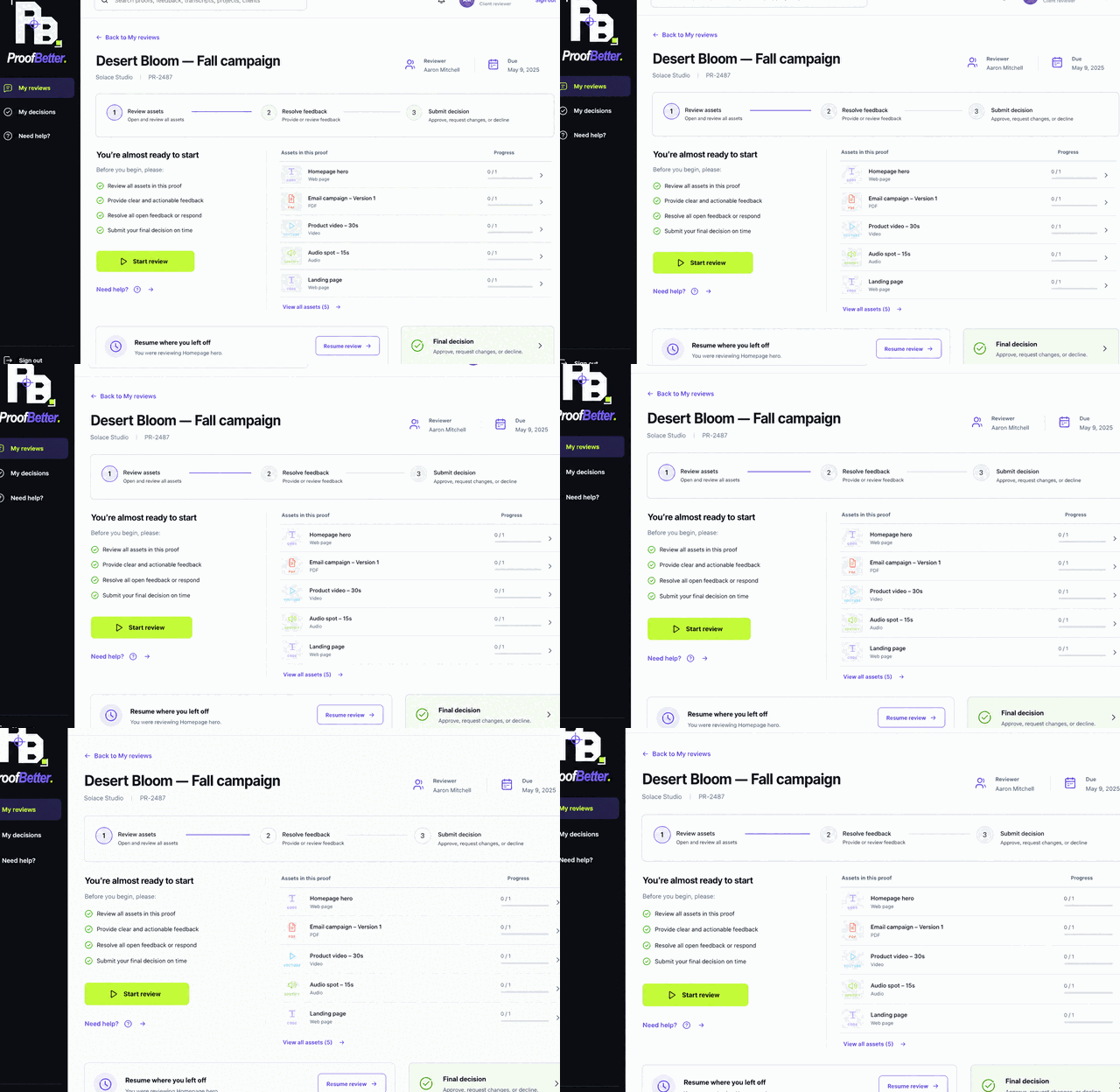
In build 30007, the signed-out bottom bar is Home and Settings. Need a workspace? and Connect to your server are inside Settings, keeping setup out of signed-in proofs. Workspace help explains invitations and offers email support; it does not automatically create an account. After sign-in, Back, Home, Alerts, Share and Settings remain available. Keyboard, errors and accessibility layouts may still scroll naturally.
Connect to your own server
Choose Settings → Connect to your server, enter the trusted HTTPS root address supplied by your administrator, and Check server. Confirm the hostname and its operator before Sign out and connect. The server needs the mobile-connect update, a device-trusted certificate on port 443, and internet, local-network or VPN reachability. Android 17+ LAN users should select the local-network option and allow the scoped permission when prompted. No scanning or certificate bypass is provided. Custom servers use the in-app activity inbox; Cloud push tokens are not shared with them. Use ProofBetter Cloud address to switch back.
Mark up, comment and record audio
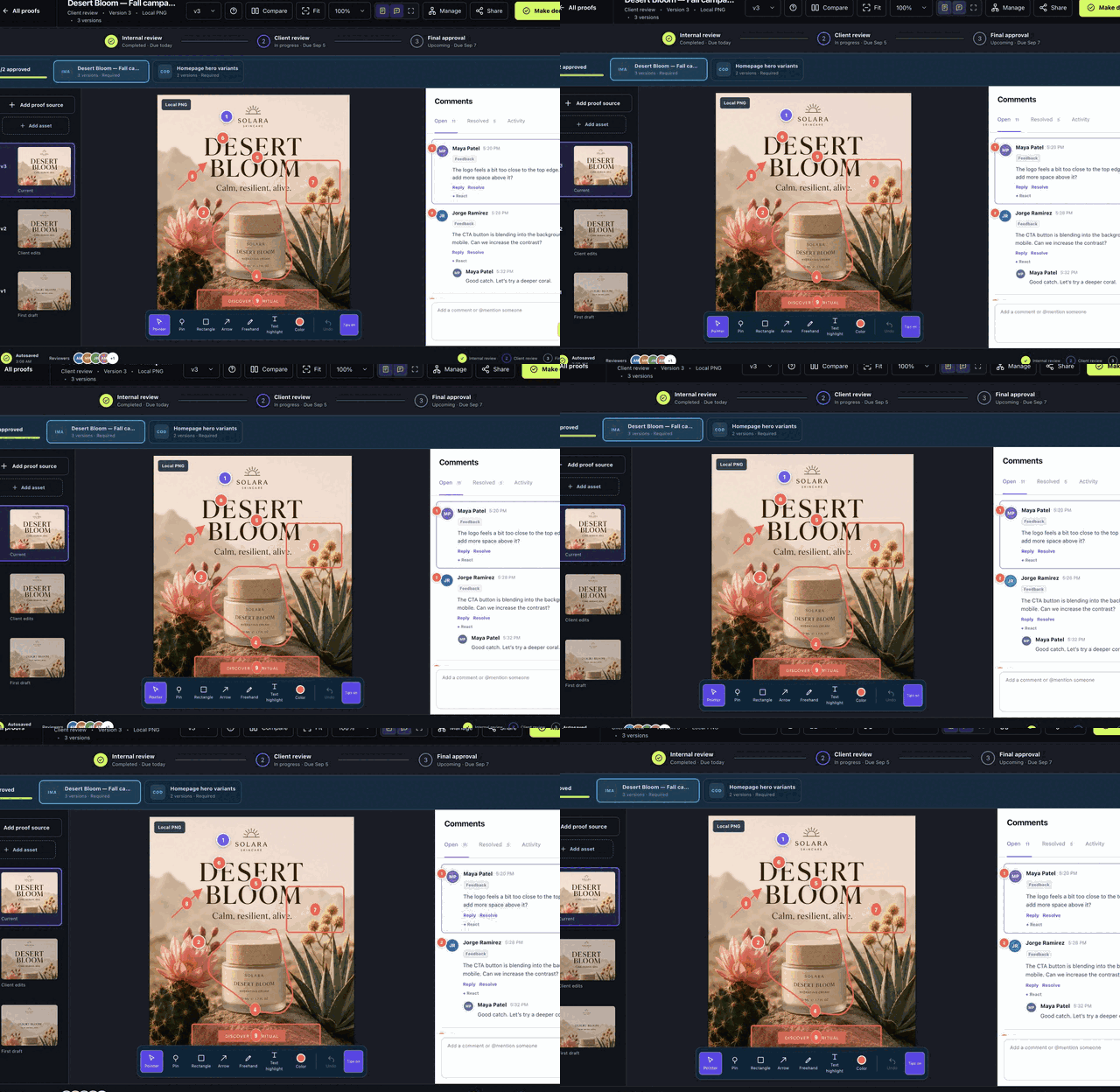
On phones, Proof, Comments and Decide switch the review view. Choose Mark up: Pin, Rectangle, Arrow, Freehand and Text highlight stay above the proof. Tap or draw, add text or audio, then Post. View markup returns to the draft; tapping a saved comment returns to its location, PDF page or playback time. Interact lets embedded content respond normally.
Comments → Audio → Start recording requests microphone access. Stop, listen, then post or remove. Live transcription depends on browser support; post-recording transcription needs administrator setup. Failed transcription keeps the audio. Failed posts retain the draft and recording in the current page; do not reload an unposted recording. After a timeout, check the thread before retrying.
Privacy and signing out
Settings includes Account, export & deletion, Privacy, and Sign out. Confirmed sign-out or server switching clears this device's session, cache, history and optional device-unlock preference. It attempts server sign-out and device deregistration when reachable; unreachable sessions remain subject to server expiry. Server proofs and accounts are not deleted. Closing the app is not sign-out. Optional Face ID, Touch ID or Android biometric/device unlock protects the local screen after ordinary sign-in; it does not extend an expired session. The selected server operator controls its data and privacy policy.
Reports, blocks and account deletion
Use Safety on a proof or Report a concern beside feedback. Explain the concern; authorized administrators can review the report and restrict violating content. Safety center in My profile also lets you manage blocked authors. Blocking hides review content and stops new feedback alerts between those identities; reporting is not anonymous to the service.
To delete your account, open My profile, expand Delete my account, request a verification code using your password, then enter the code, password and DELETE MY ACCOUNT. Choose another active administrator in the same workspace to receive shared responsibilities. If you are the last administrator, arrange that successor first. Your contributions and credentials are removed; other authors' replies remain and affected approvals reopen. This does not cancel a workspace subscription. File cleanup may require retries; historical backups and delivered messages need separate operator handling.
Inline media and refreshing
Build 30008 keeps local MP4 inline and supports YouTube and SoundCloud controls inside the app. Play, then choose Mark up to pause a video before drawing. Pause + comment attaches the live timestamp; SoundCloud feedback uses time and range annotations. If the provider cannot connect, enter an exact comment time using the recovery field. Provider privacy and embedding restrictions still apply.
Pull down at the top of dashboard and normal signed-in pages to refresh. Review screens do not intercept pull gestures, and edited forms are protected. Save reviews and recordings before using the explicit Settings → Reload workspace action.
How updates arrive
Web interface updates load from the hosted service when the workspace reloads. Changes to native controls, permissions, icons, push integration, or the platform SDK require an updated app build through the store or beta channel. Offline mode provides reconnection, not offline editing.